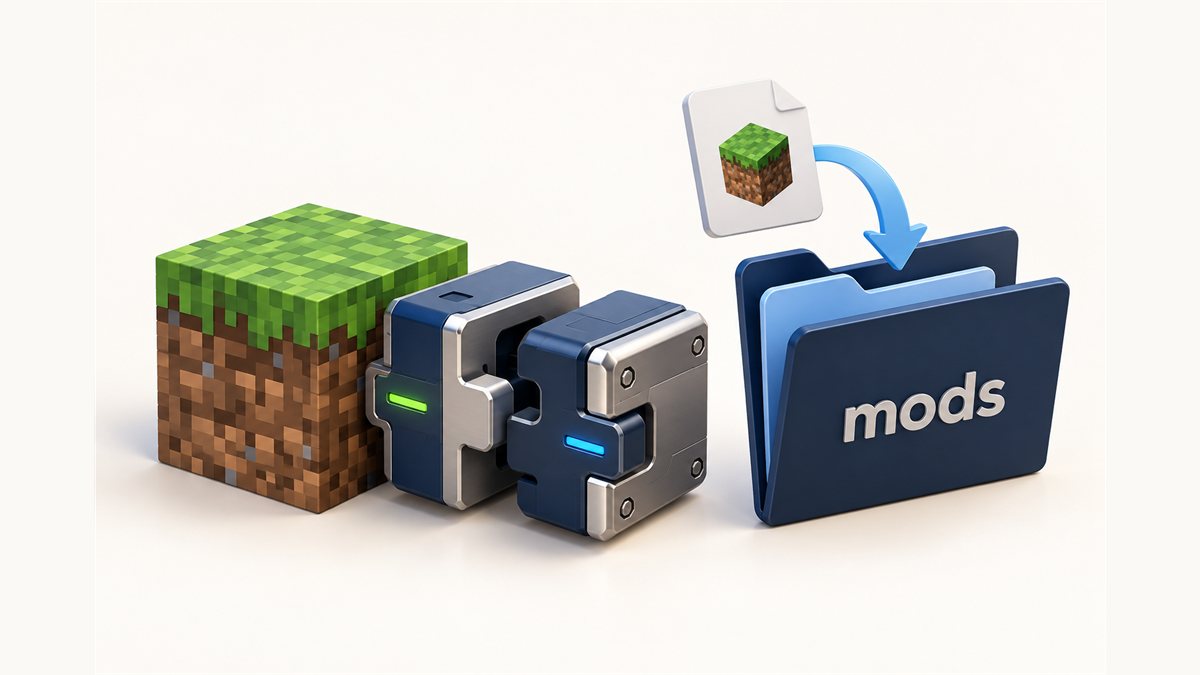
The file linked from our homepage is the NeoForge build for Minecraft 26.3, so NeoForge is the quickest route to getting Dynamic FPS Mod running. This guide covers NeoForge first, then Forge for players on versions where Forge is the loader they use.
The file on this site
| Detail | Value (as listed on CurseForge) |
|---|---|
| File name | dynamic-fps-3.11.10+minecraft-26.3.0-neoforge.jar |
| Mod version | 3.11.10 |
| Minecraft version | 26.3 |
| Mod loader | NeoForge |
| File size | 182.1 KB |
| Uploaded | September 16, 2026 |
Installing on NeoForge
1. Set up NeoForge for 26.3
Install NeoForge for Minecraft 26.3 using the official NeoForge installer or your launcher's built-in option. Run the NeoForge profile once so the game creates its mods folder.
2. Download the mod
Use the download button in the Download section of our homepage. It links directly to the file on CurseForge.
3. Move the .jar into mods
Place the .jar file directly inside the mods folder of your NeoForge instance. Don't unzip it.
4. Launch and check
Start the game with the NeoForge profile, open the Mods screen and confirm Dynamic FPS is listed. Switch to another window briefly to see it in action.
Get Dynamic FPS Mod
The version listed on our homepage is the NeoForge build for Minecraft 26.3.
Installing on Forge
The project lists Forge as a supported loader, with availability depending on the Minecraft version. If your modpack runs on Forge:
- Check the exact Minecraft and Forge version your instance uses.
- On the CurseForge project page or the Modrinth page, filter files by that game version and by Forge.
- Download the matching file and place it in your instance's
modsfolder. - Launch with your Forge profile and confirm it loaded.
A NeoForge file is not guaranteed to work on Forge, and the reverse is also true. Always use a file marked for the loader you run.
Opening the settings
The project page states that the in-game config screen requires Mod Menu and Cloth Config. Check the file page for the loader you use to see which supporting mods it lists, and install versions that match your game version. Our settings guide explains every option.
Troubleshooting NeoForge and Forge installs
"Mod requires a different version" or a crash on startup
The file does not match your game or loader version. Replace it with the correct build.
The mod isn't listed
Confirm you launched the loader profile and that the file sits directly in mods.
Battery features missing
Battery integration downloads a helper library at runtime. If your network blocks that or you disabled it, the project explains how to install the library manually.
Next steps
Using Fabric instead? Read the Dynamic FPS Mod Fabric guide. On an older version like 1.20.1? See how to pick a 1.20.1 file.
Related guides
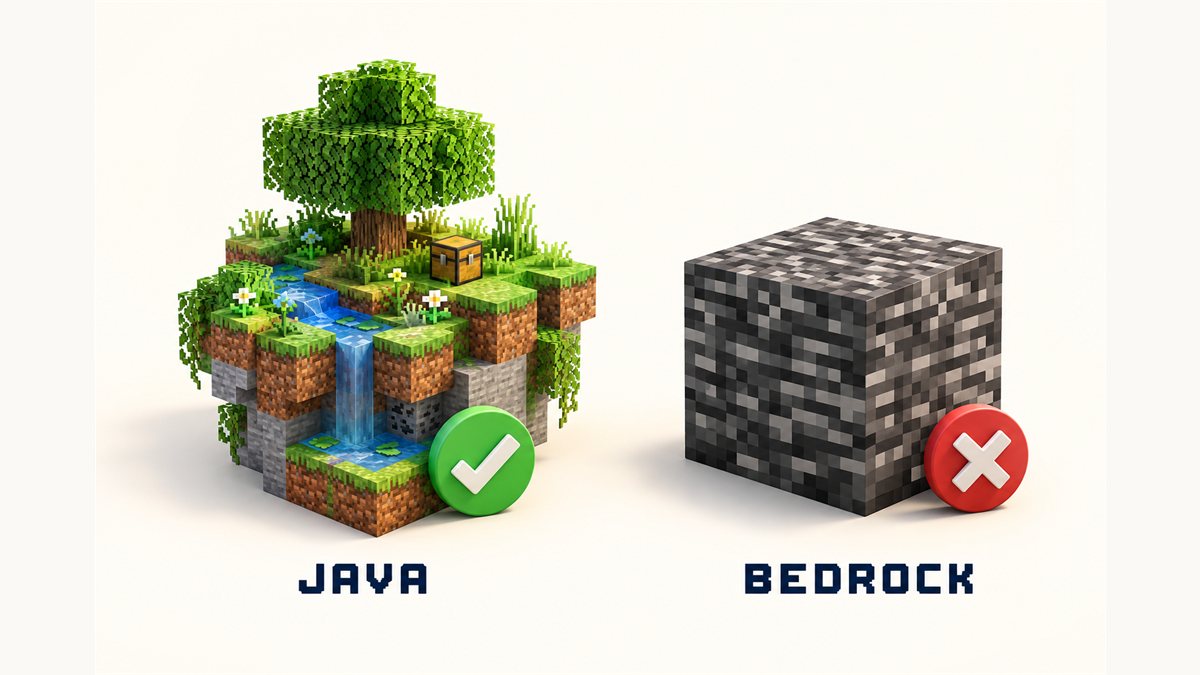
Dynamic FPS Mod and Bedrock Edition: What You Need to Know
Java Edition mod loaders versus Bedrock add-ons, explained without jargon.
Read the guide
Dynamic FPS Mod TOTK: Clearing Up the Name Confusion
Two different projects share one name. Here is how to tell them apart.
Read the guide
Dynamic FPS Mod BOTW: What Breath of the Wild Players Should Know
Frame-rate mods for Breath of the Wild live in a different ecosystem entirely.
Read the guide