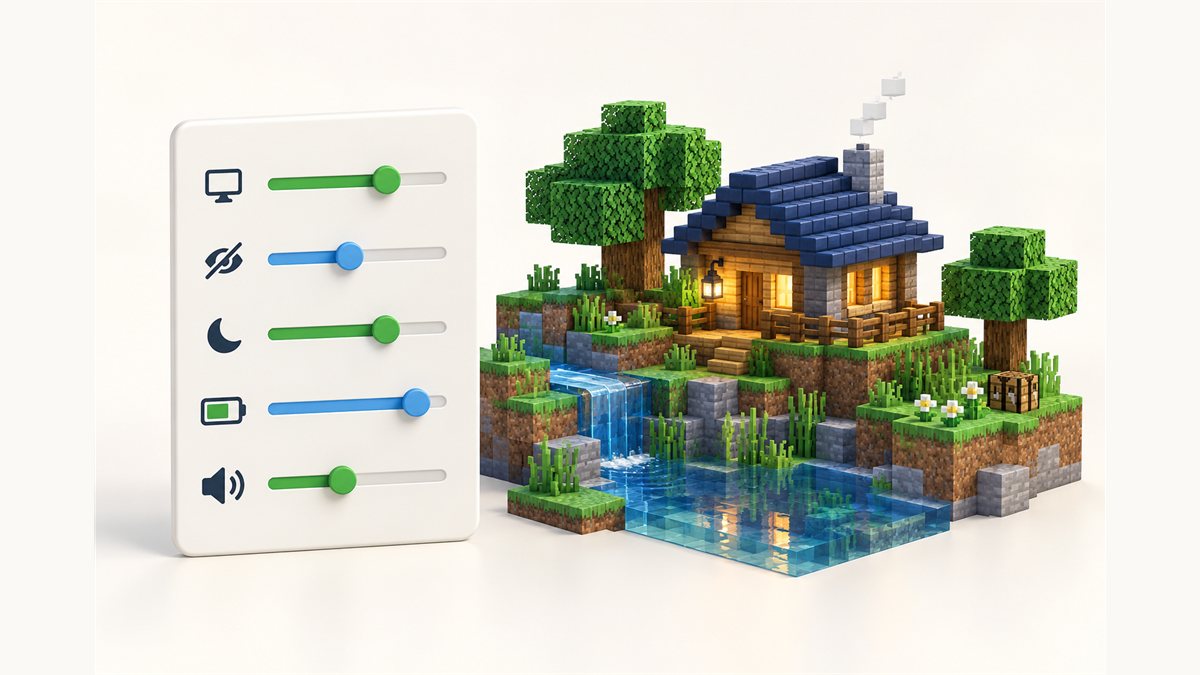
Dynamic FPS Mod is useful straight after installing, but its real strength is how much you can tailor it. This Dynamic FPS Mod settings guide explains each group of options described on the project page and suggests how to think about them.
The in-game config screen requires Mod Menu and Cloth Config, according to the project page. Install versions that match your game version and loader, then open Dynamic FPS from the mod list.
Window-state settings
The mod detects whether the window is active, being hovered over, unfocused or invisible. For each state you can set three things:
- Frame rate – how many frames the game draws in that state.
- Volume – how loud the game is in that state.
- Toast pausing – whether in-game toast notifications pause, so you don't miss them while away.
Suggested approach
Leave the active state at your normal settings. Give unfocused a noticeably lower frame rate, and set invisible lower again, since nothing on screen can be seen. Hovered is useful if you like to watch the game on a second monitor while typing elsewhere; you might keep it closer to normal.
Idle settings
The idle profile kicks in when there has been no input for a timeout you choose. It has its own frame rate, volume and notification settings.
- A short timeout reacts quickly when you step away, but may trigger while you are watching something in-game.
- A longer timeout avoids false triggers but takes longer to start saving work.
Pick a value that fits how you play, and adjust after a few sessions.
Get Dynamic FPS Mod
The version listed on our homepage is the NeoForge build for Minecraft 26.3.
Battery settings
On laptops and handhelds, you can apply separate settings while the device runs on battery. Optional extras include a battery status display on the in-game HUD and toast notifications about battery activity.
The project notes that enabling battery integration downloads an additional library at runtime. It verifies the library's hashes before use, and you can disable this behaviour in the settings or install the library manually.
The frame-rate floor
The project states the frame rate won't drop below 15 per second. Lower settings skip superfluous frames instead, so the game resumes quickly when you return. That means you can choose very low background values without worrying about the game feeling stuck when you switch back.
Example setups
| Situation | What to adjust |
|---|---|
| Alt-tabbing to guides often | Lower unfocused frame rate; keep volume moderate so you still hear the game |
| Game minimized during calls | Low invisible frame rate and muted invisible volume |
| Leaving the game on while away | Shorter idle timeout with a low idle frame rate |
| Laptop away from a charger | Stricter battery profile, with battery HUD enabled |
Settings troubleshooting
I can't find the settings
Install Mod Menu and Cloth Config for your version, then open the mod list.
Nothing changes when I alt-tab
Check that the unfocused and invisible states have lower values than active.
Battery options do nothing
Make sure battery integration is enabled and that its library could be downloaded, or install it manually.
New to the mod? Read What Is Dynamic FPS Mod? or jump to the Fabric and NeoForge install guides.
Related guides
What Is Dynamic FPS Mod? A Plain-Language Guide
A clear explanation of the window states, idle detection and battery profile behind Dynamic FPS Mod.
Read the guide
Dynamic FPS Mod on Fabric: Install and Setup Guide
Set up the Fabric or Quilt build correctly, including the optional settings screen.
Read the guide
Dynamic FPS Mod 1.20.1: How to Choose the Right File
Why the game version and loader have to match, and how to filter files for 1.20.1.
Read the guide