
Fabric is one of the most popular ways to run Minecraft: Java Edition mods, and Dynamic FPS Mod lists Fabric (and Quilt) among its supported loaders. This guide walks through installing Dynamic FPS mod on Fabric, adding the optional settings screen, and fixing the problems people run into most.
The version listed on our homepage is the NeoForge build for Minecraft 26.3. For Fabric you need the Fabric file for your game version from the CurseForge project page or the Modrinth page.
Before you start
Check these three things first. They prevent almost every installation problem:
- Your Minecraft version. Look at the version shown in your launcher profile, for example 1.20.1 or 1.21.x.
- Your loader. Fabric and Quilt files are not interchangeable with Forge or NeoForge files.
- A backup. Copy your
savesfolder before changing mods.
Step 1: Install Fabric Loader
If you have not used Fabric before, install Fabric Loader for your Minecraft version using the official Fabric installer or your launcher's built-in option. Many third-party launchers let you create a Fabric instance in a couple of clicks. Launch that profile once so the game creates its folders.
Step 2: Download the matching Dynamic FPS file
Open the project's files list and filter by your game version and by Fabric. Download the newest file that matches both. If you play 1.20.1, our Dynamic FPS Mod 1.20.1 guide explains how to filter correctly.
Also check the file page for any dependencies it lists as required, and install those for the same version.
Step 3: Put the .jar in your mods folder
Move the downloaded .jar file into the mods folder of your Fabric instance. On the default launcher this is inside your .minecraft directory. Third-party launchers usually have a button that opens the instance folder for you.
Do not unzip the file, and do not put it in a subfolder.
Step 4: Add Mod Menu and Cloth Config (optional)
According to the project page, the in-game config screen requires Mod Menu and Cloth Config. Dynamic FPS Mod works without them, but you will not see a settings button. If you want to tune frame rate, volume, idle and battery profiles from inside the game, add both mods for your exact version and loader.
Not on Fabric?
Our homepage download is the NeoForge build for Minecraft 26.3.
Step 5: Launch and confirm it loaded
Start the game with your Fabric profile. With Mod Menu installed, open the Mods screen and look for Dynamic FPS in the list. Then alt-tab away for a moment and come back. With default or custom settings, the game should feel lighter in the background.
Fabric troubleshooting
The game crashes on launch
The most common cause is a version mismatch, such as a 1.21 file on a 1.20.1 instance, or a NeoForge file in a Fabric instance. Replace it with the correct Fabric build.
Dynamic FPS doesn't appear in the mod list
Make sure you launched the Fabric profile, not the vanilla one, and that the file is directly inside mods.
There is no settings button
Install Mod Menu and Cloth Config for the same version. Then reopen the Mods screen.
A note for Quilt users
The project lists Quilt as a supported loader too. As with Fabric, download the file marked for your game version and Quilt (or the one the file page says works with Quilt) and follow the same steps.
Once it is running, head to the settings guide to tune each window state.
Related guides
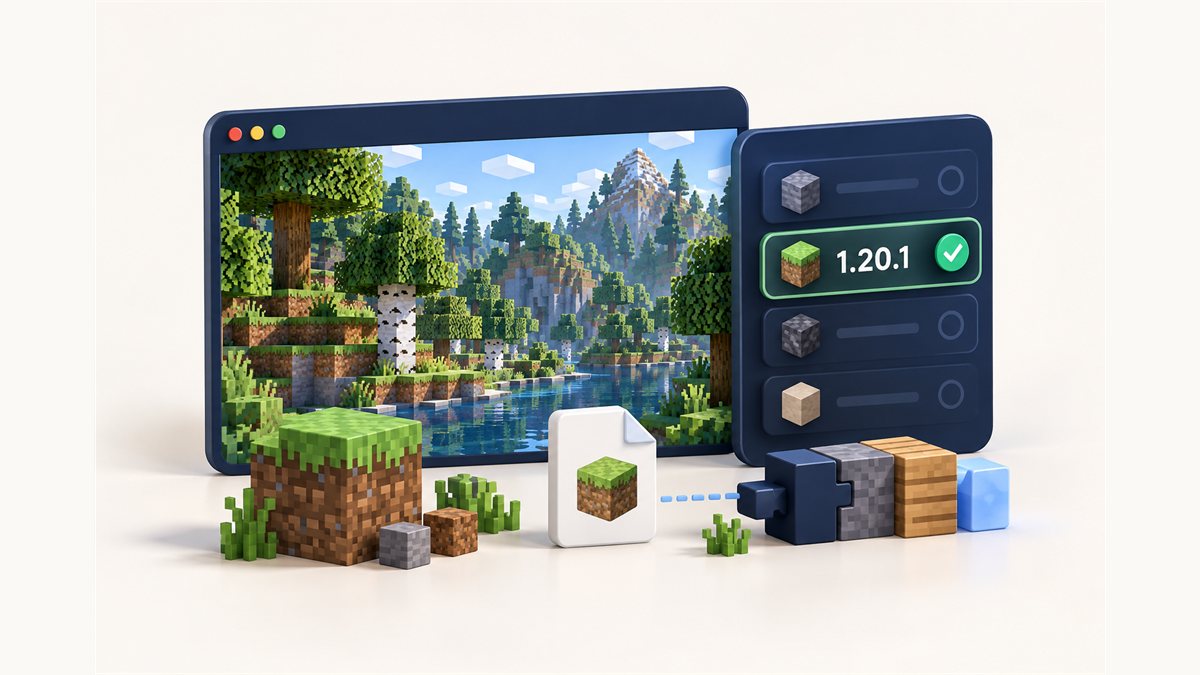
Dynamic FPS Mod 1.20.1: How to Choose the Right File
Why the game version and loader have to match, and how to filter files for 1.20.1.
Read the guide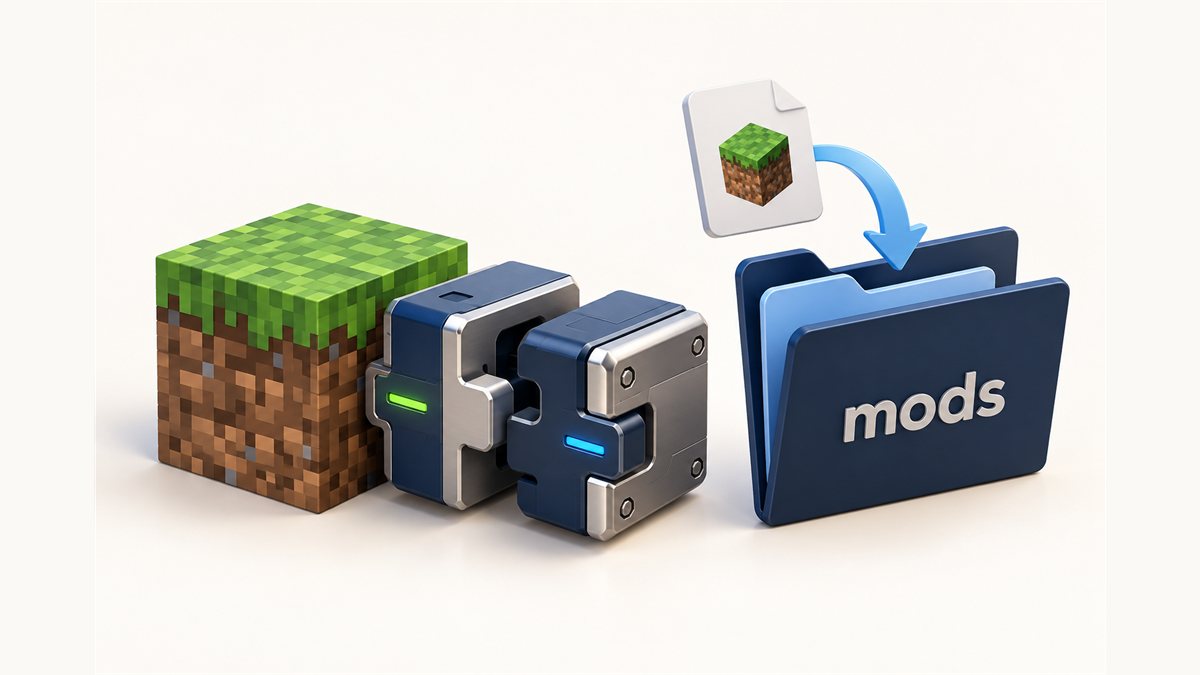
How to Install Dynamic FPS Mod on NeoForge and Forge
Use the NeoForge build from this site or a Forge file for older versions.
Read the guide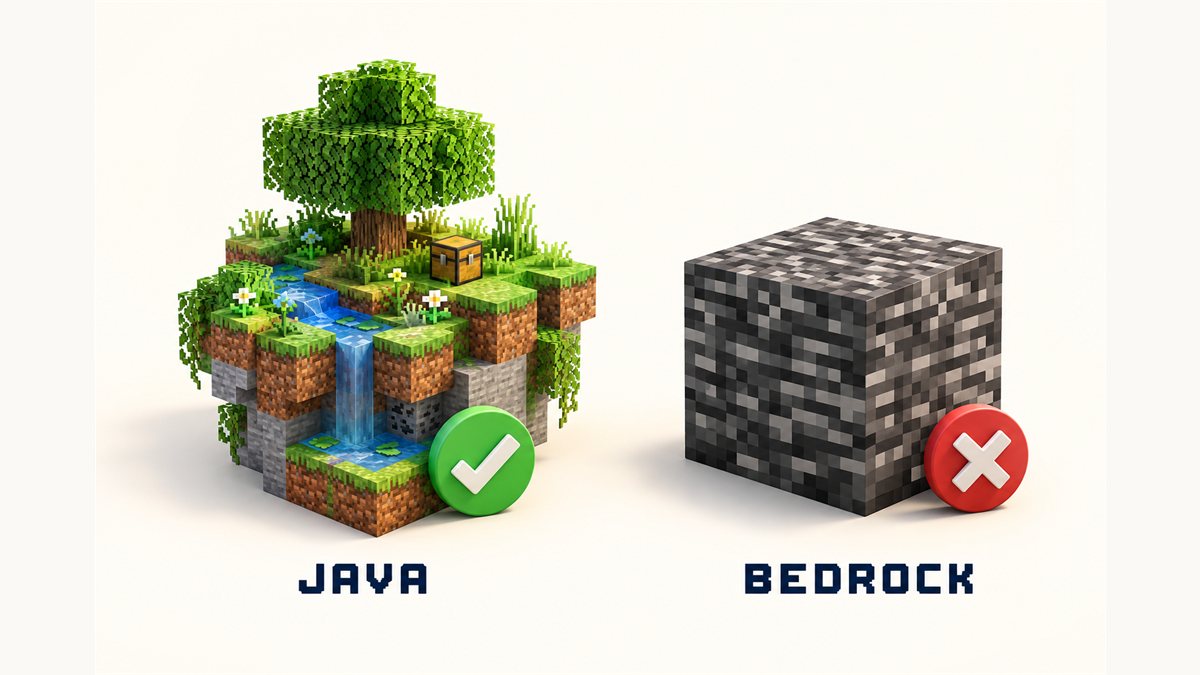
Dynamic FPS Mod and Bedrock Edition: What You Need to Know
Java Edition mod loaders versus Bedrock add-ons, explained without jargon.
Read the guide