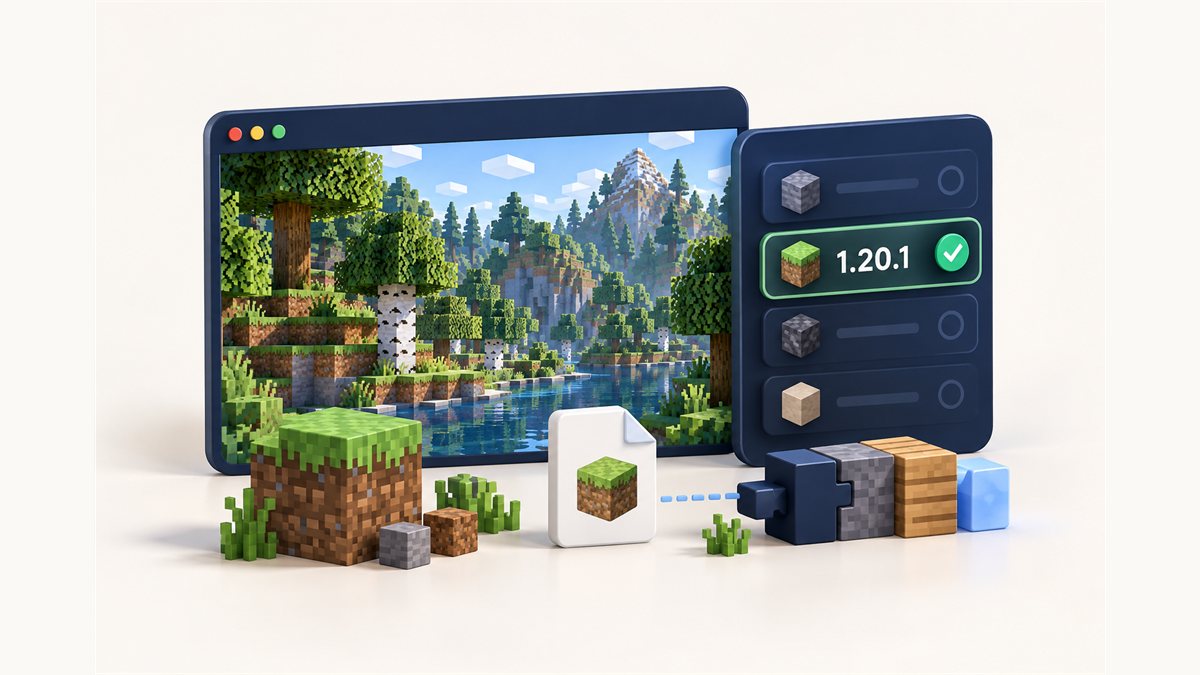
Minecraft 1.20.1 remains a common version for modpacks, so it is no surprise that "Dynamic FPS Mod 1.20.1" is a popular search. The good news: the project's Modrinth listing includes 1.20.x versions. The important part is choosing the file that matches both your game version and your mod loader.
Why the version has to match
Minecraft mods hook into the game's code. That code changes between versions, so a file built for one version usually will not load on another. Mod loaders check this when the game starts. If the version does not match, you will typically see an error screen or a crash report naming the mod.
The same applies to loaders. A Fabric build will not run on Forge, and a NeoForge build will not run on Fabric.
The file on our homepage is built for Minecraft 26.3 on NeoForge. It will not work on 1.20.1. Use the steps below to find a 1.20.1 build.
How to find the 1.20.1 file
- Open the Modrinth page or the CurseForge project page.
- Go to the files or versions list.
- Filter the game version to 1.20.1.
- Filter the loader to the one your instance uses: Fabric, Quilt, Forge or NeoForge.
- Download the newest file that appears for that combination.
Loader availability can differ from version to version, so check the filter results rather than assuming every loader is listed for 1.20.1.
How to check your instance version and loader
Default Minecraft Launcher
Open the Installations tab. The version is shown next to each installation. A Fabric or Forge installation usually has the loader name in its version label.
Third-party launchers
Most launchers show the game version and loader on the instance card or in the instance settings. Modpacks list them on their info page.
Playing the latest version?
Our download is the NeoForge build for Minecraft 26.3.
Installing on 1.20.1
Once you have the right file, installation is the same as on any version: place the .jar in the mods folder of your 1.20.1 instance and launch the game with your loader. For loader-specific help, see the Fabric guide or the NeoForge and Forge guide.
If you want the in-game config screen, also install Mod Menu and Cloth Config versions made for 1.20.1, since the project says the config screen uses them.
Common 1.20.1 mistakes
- Downloading the top file in the list. The newest upload is often for the newest game version, not 1.20.1.
- Mixing loaders. A Forge pack with a Fabric file will fail to load.
- Leaving an old copy behind. Keep only one Dynamic FPS file in your
modsfolder.
After installing
Alt-tab away and back to check it is working, then tune each state in the settings guide. New to the mod? Start with what Dynamic FPS Mod does.
Related guides
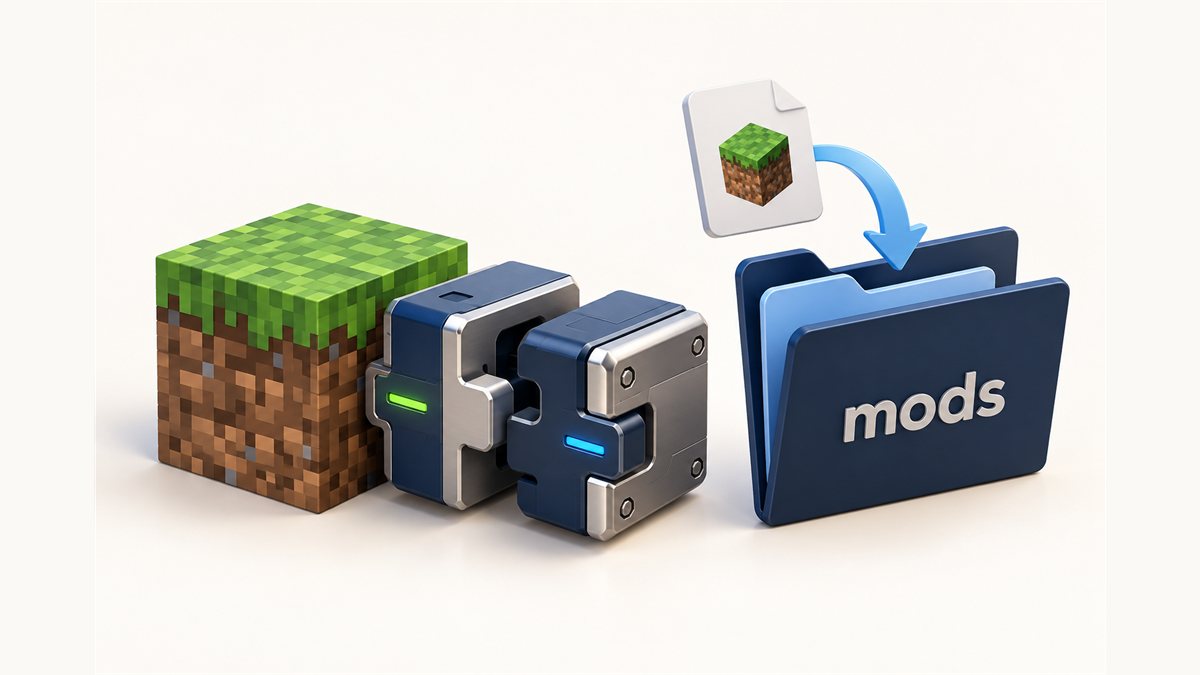
How to Install Dynamic FPS Mod on NeoForge and Forge
Use the NeoForge build from this site or a Forge file for older versions.
Read the guide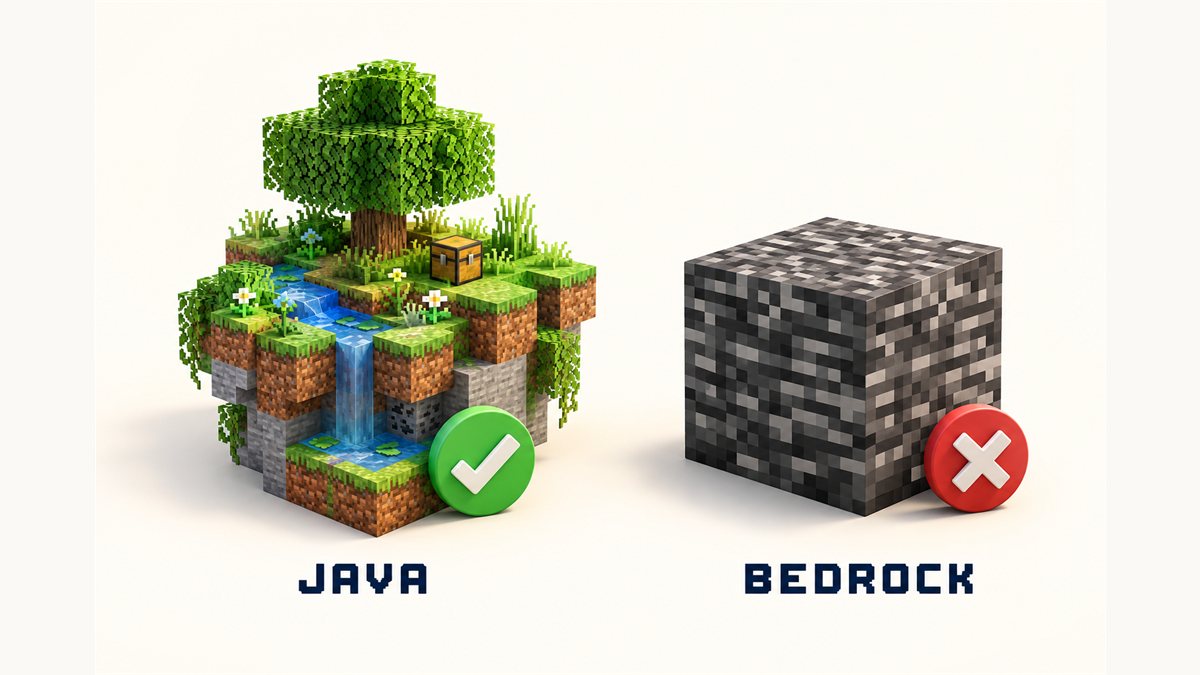
Dynamic FPS Mod and Bedrock Edition: What You Need to Know
Java Edition mod loaders versus Bedrock add-ons, explained without jargon.
Read the guide
Dynamic FPS Mod TOTK: Clearing Up the Name Confusion
Two different projects share one name. Here is how to tell them apart.
Read the guide